
How to Install WordPress in Your cPanel – Bangla Tutorial
Step One: Open your cPanel in your browser
Open your web browser like chrome, opera, Mozilla firefox anyone.
# Write your username
# Give your password
# Click on Log in

Step Two: Find the Softaculous Apps Installer area
# Click on WordPress

Step Three: Open WordPress software
# Click on install now

Step Four: Fill up WordPress software Setup area

# Go to Install

Muzahidul Islam
Muzahidul Islam is a skilled Web Developer and Digital Marketing Expert with experience in website development, search engine optimization (SEO), and online marketing strategies. He specializes in creating user-friendly, responsive, and SEO-optimized websites that help businesses strengthen their online presence and achieve sustainable growth. With a passion for technology and digital innovation, he focuses on delivering effective web solutions and data-driven digital marketing strategies to help businesses reach their target audience and grow online.
Recommended Posts
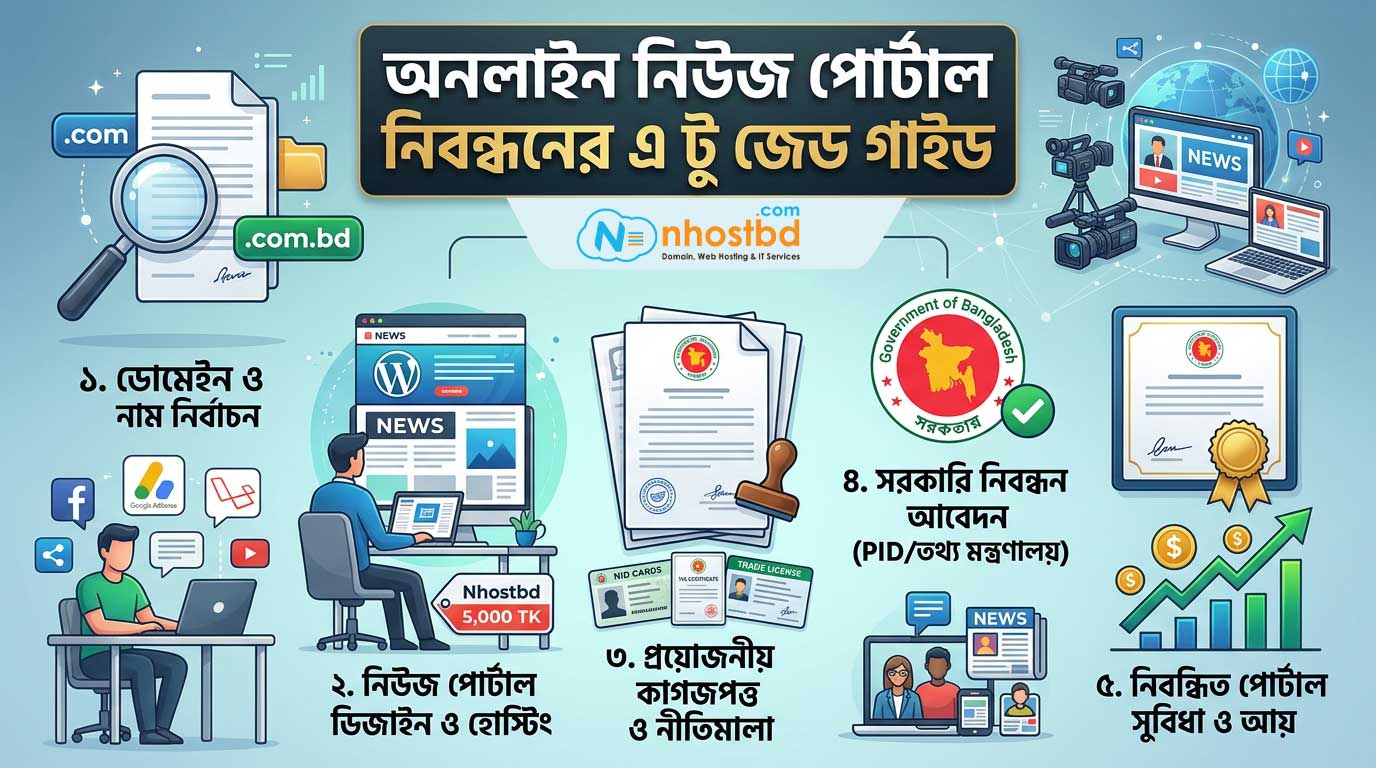
অনলাইন নিউজ পোর্টাল নিবন্ধনের এ টু জেড গাইড
November 13, 2026

অনলাইন নিউজ পোর্টাল ওয়েবসাইট মাত্র ৫,০০০ টাকা!
November 21, 2018

5 Best Free Blogging Platforms 2027
June 28, 2017